



The average enterprise runs more than 200 SaaS applications. Without API integration, data sits in one tool and gets copied manually into the next or never transferred at all. McKinsey research finds that 47% of C-suite executives identify data readiness as the primary obstacle to scaling generative AI. API integration is the foundation that removes that obstacle.
This guide covers what API integration is, the four main API types, the five integration patterns that matter in 2026, the protocols to know, the challenges nobody tells you about upfront, and how to choose a partner.
What Is API Integration?
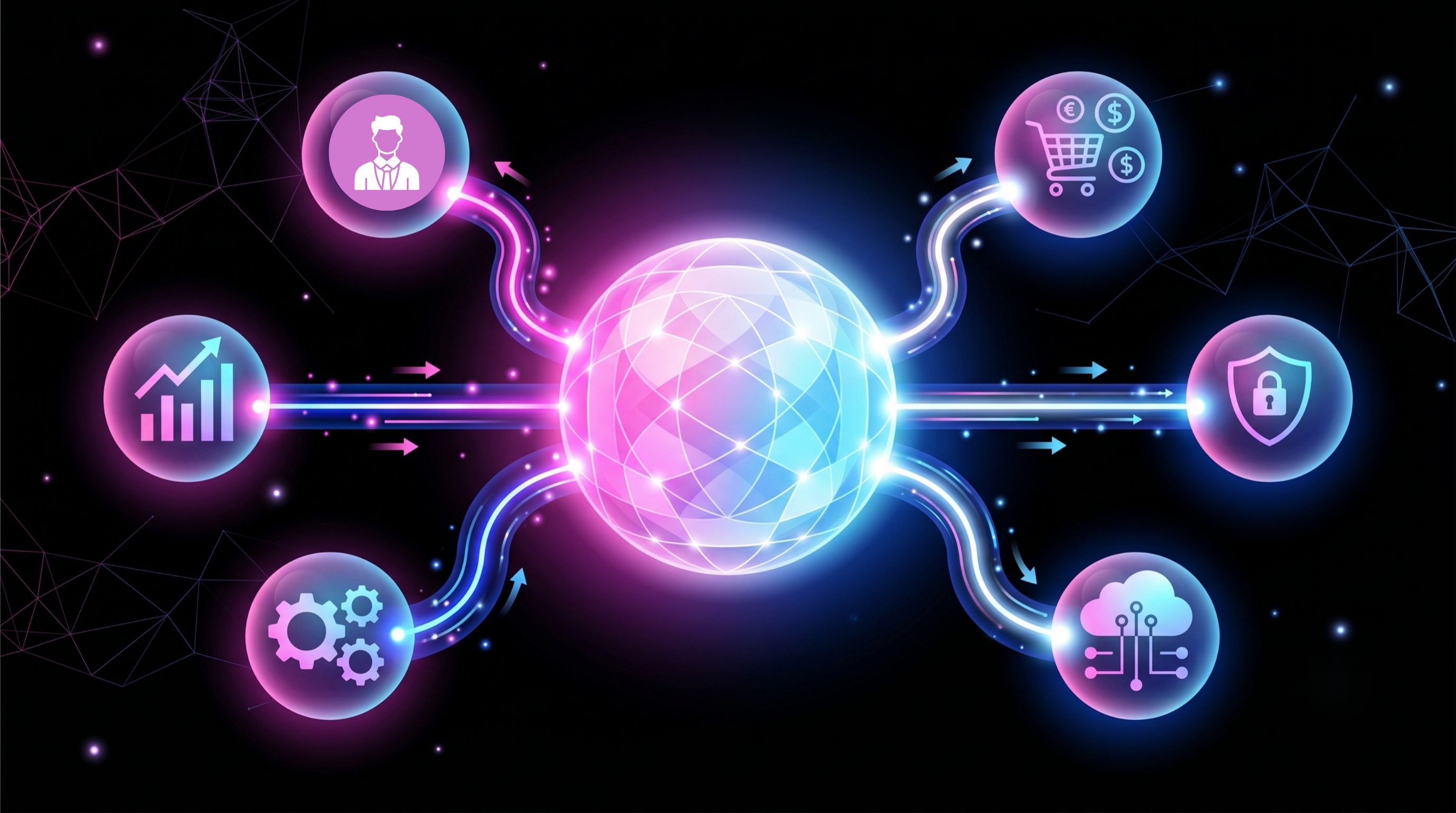
API integration connects two or more software systems through their Application Programming Interfaces (APIs) so that data and actions flow between them automatically. A software API integration allows a CRM, ERP, billing platform, or custom application to read from and write to another system in real time or on a schedule rather than requiring a person to copy records between tools.
An API is a defined contract that lets one system ask another for data or actions. An API integration uses that contract to wire systems together: a customer fills a sign-up form and a lead appears in the CRM; a deal closes and an invoice is generated in billing; a support ticket is resolved and the data updates the customer record in three systems simultaneously. None of this requires a person to open three tools.
The Four Main API Types
Open APIs (Public APIs): Accessible to external developers with standard authentication. Used for partner integrations, third-party connections, and developer ecosystems.
Partner APIs: Shared with specific business partners under controlled access. Used for supply-chain, data-sharing, and platform-partner integrations.
Internal APIs (Private APIs): Used within an organization to connect internal systems, microservices, and data pipelines. The most common type in enterprise integration.
Composite APIs: Combine multiple API calls into a single request. Used where a client needs data from several systems in one response common in mobile and dashboard integrations.
Integration Patterns
The pattern you choose determines whether your integration is still maintainable when a third system arrives.
| Pattern | When to use | Hard limit |
| Point-to-point | Two systems, simple use case, short-term | Breaks at three-plus systems; unmaintainable at scale |
| Hub-and-spoke | Multiple systems routing through a central bus | Hub becomes a single point of failure |
| API-led (MuleSoft model) | Enterprise with many systems and multiple teams consuming the same data | Overkill for small stacks; significant governance overhead |
| Event-driven | Real-time reaction to state changes across systems | Requires mature event-streaming infrastructure |
| iPaaS | SaaS-to-SaaS, no custom code, standard workflows | Custom data transformations or legacy systems |
Protocols
The protocol is the language two systems use to communicate. Choosing the wrong one creates friction that accumulates over time.
| Protocol | Best for | Avoid when |
| REST | Standard web APIs, public-facing integrations, CRUD operations | Real-time bidirectional data or complex transactions |
| SOAP | Enterprise systems, financial services, strict contract requirements | Speed and simplicity are priorities |
| GraphQL | Client-driven queries, mobile apps, complex data graphs | Simple request-response or legacy system integration |
| gRPC | High-performance internal services, microservices | Browser clients or public APIs |
| WebSocket | Real-time bidirectional communication, live data feeds | One-way or infrequent data exchange |
The Challenges Nobody Tells You Upfront
Schema mismatch: "Company Name" in the CRM and "Account Name" in billing are not the same field, and were never the same field. Data mapping before any code is written saves a month of reconciliation later and is the most consistently skipped stage in any integration project.
Authentication complexity: OAuth 2.0 and JWT exist because older authentication approaches leak. A build under deadline pressure is exactly where the older approaches get used.
API versioning: A vendor releases an update, a field is renamed or deprecated, and an integration fails silently. Without an abstraction layer and a monitoring system, you find out when a customer reports a problem.
Error handling: Timeouts, malformed responses, and vendor-side failures are not edge cases they are production realities. An integration that does not handle them gracefully creates data inconsistency that compounds over time.
Scale: An integration designed for 100 API calls per hour behaves differently at 10,000. Rate limits, payload sizes, and concurrency handling are architecture decisions, not afterthoughts.
CRM API Integration: Where Most Businesses Start
The CRM is almost always the first system a growing company tries to connect to something else, because it sits next to everything email marketing, billing, support, e-commerce. CRM API integration done correctly means a lead created in a form appears in the CRM, triggers a welcome sequence in the marketing platform, creates a contact in billing, and populates a support profile without anyone touching three tools.
Done incorrectly, it means duplicate records, manual reconciliation, and AI scoring rules running on data that disagrees across systems.
How to Choose an API Integration Partner
Five questions to ask before signing:
1. What happens when either system ships a breaking API change? Show me the monitoring and alerting for that specific scenario.
2. Walk me through your data mapping process before any code is written.
3. What does the MLOps architecture look like for our specific integration not the generic template?
4. Who maintains the integration after launch by name and role?
5. What are the post-launch SLA and response times, and are they in writing before we sign?
Where Chirpn Fits
Chirpn's API integration services cover MuleSoft and Talend for enterprise platforms and custom connectors where legacy systems or data requirements fall outside what packaged products handle. AutoPATH, our AI-orchestrated SDLC, handles discovery and data mapping as a defined stage the part most vendors rush to reach the build. Monitoring and security tooling are configured from day one, and support is scoped so the integration is still actively watched on day 91 and day 365.
Chirpn is a Google Cloud Partner with active Vertex AI, AgentSpace, and Gemini deployments which matters specifically for integrations that feed AI systems with data.
Proof: Roar Sports needed a set of APIs connecting simultaneously to ten distinct sports booking aggregators, exposing real-time venue resource availability, and enabling near-real-time slot blocking across all ten. The challenge was not the initial connections but building an abstraction layer robust enough to handle ten different aggregator schemas and a governance framework that managed API version updates from any one aggregator without breaking the others. Chirpn delivered the Sports Venue Management platform through AWS API Gateway with an API governance framework covering versioning, authentication, and schema transitions. Result: all ten aggregators provide real-time availability to their end users; booking processes simplified; subsequent API version changes absorbed as planned transitions rather than incidents.
Also: US Medical Billing Provider FHIR-standard API integration connecting a custom billing automation system with a growing set of EHR and billing platforms. FHIR store as back-end infrastructure, Google Cloud Endpoints as standardized gateway. Result: FHIR compliance at scale and new EHR systems on-boarded without rebuilding the architecture each time.
Talk to us about your integration surface chirpn.com/contact-us/
Conclusion
API integration is the difference between a stack of applications and a system. Every vendor can do the build. What separates an integration still working in year three is discipline at the three stages nobody demos: mapping the data before coding, designing security deliberately, and monitoring for failures before a customer finds them.
Frequently Asked Questions
What is API integration?
Connecting two or more software systems through their APIs so that data and actions pass between them automatically without manual entry or copying between tools.
What are the main API integration benefits for a business?
Manual data entry disappears, data silos close, decisions run on current data rather than last week's export, and AI features become viable because they finally have consistent inputs. The last benefit is increasingly the primary commercial driver for API integration projects in 2026.
How is CRM API integration different from integration generally?
The mechanics are the same. The stakes are higher because CRM data feeds every downstream sales, retention, and AI capability. Inconsistency there produces wrong answers across multiple systems, not just the one with the broken integration.
Which integration pattern should I choose?
It depends on how many systems will connect over time, not how many connect today. Point-to-point for two systems and nothing more coming; API-led for enterprises with many systems and multiple teams consuming the same data; iPaaS for standard SaaS-to-SaaS connections with no custom logic. Ask any vendor to show point-to-point against API-led for your specific stack before committing.
What does bad API integration actually cost?
Rarely a visible number. It shows up as duplicate records, manual reconciliation hours that grow with headcount, and AI tools producing confident output from inconsistent data. The cost is distributed across several budgets, which is why it goes unaddressed for years.